
Set up Expose on ShopifyUpdated 18 days ago
Set up Expose on Shopify
Use Expose to review how well your store is prepared for AI-driven shopping, fill in missing store data, and publish Expose schema to your storefront through your Shopify theme.
INFO
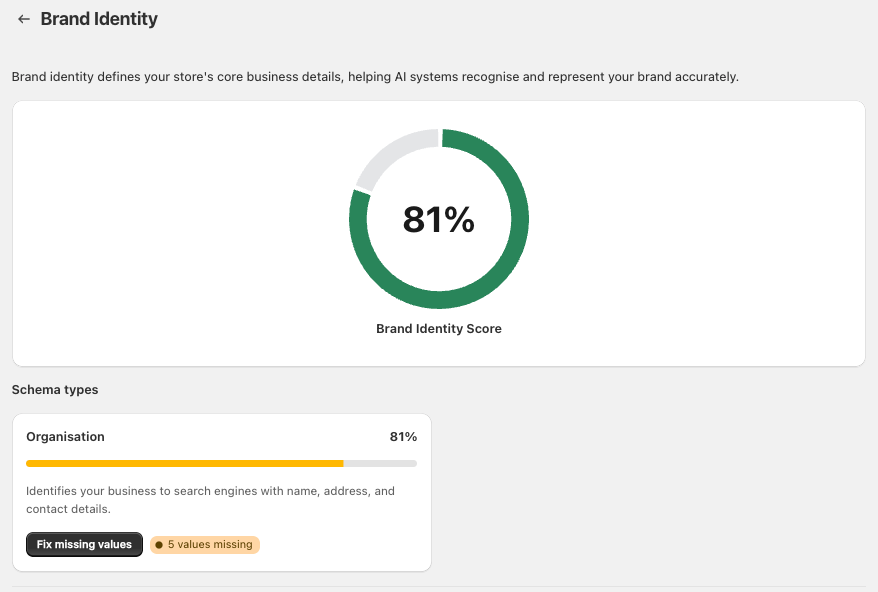
Your overall score appears in Expose > Scoring as your Overall Agentic Search Score. This score is based on the category scores shown on the same screen.
1. Review your scoring breakdown - In the Expose app, open Scoring. At the top of the page, you will see your Overall Agentic Search Score.

Scroll down to the Categories section to review the percentage for each scoring area:
Brand Identity
Site Structure & Navigation
Content & Media
Products
Actions & Capabilities
Each category card includes a button based on its current score:
If the category is at 100%, you will see View Scoring.
If the category is below 100%, you will see Improve Score.
2. Check what is included in a 100% score - For any category that shows 100%, click View Scoring to open the detailed breakdown.
On the category detail page, Expose shows the schema types that make up that score. For example, under Site Structure & Navigation, you may see items such as:
Website
Breadcrumb List
Item List (Collection)
Item List (Search)
Each item includes a View schema button so you can inspect the schema code that Expose is generating.

NOTE
Some schema types may also show Auto-optimised, which indicates Expose is already handling that part for you.
3. Improve categories that are below 100% - If a category score is below 100%, click Improve Score on that category card.
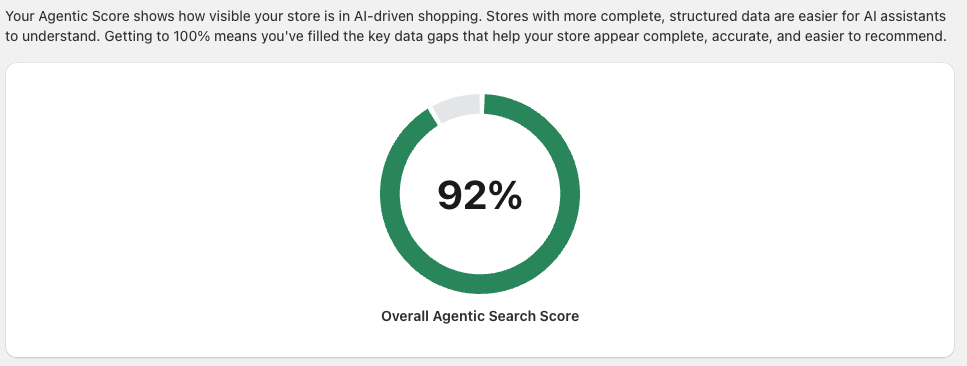
The category detail page shows which schema type is lowering the score. For example, under Brand Identity, you may see a schema type such as Organisation with a Fix missing values button and a label showing how many values are missing.

Click Fix missing values to open the list of missing fields.
In the missing values list, Expose shows:
The Field name
The current Value
The Status, such as Missing or Complete
The Update type

From here, you can update missing information in one of two ways:
Click Edit value to enter the value directly in Expose.
Click Edit in Shopify when the value comes from your Shopify store settings.
TIP
Start with categories that have the lowest percentage first. Updating a few missing business or contact details can quickly raise your score.
4. Enable the expose app embed in your Shopify theme - After reviewing and improving your score, enable Expose in your storefront theme so the schema shown in the app is added to the relevant pages on your store.
You can get there in either of these ways:
Click the Theme Editor button in Expose if it is shown in the app instructions.
Or in Shopify, go to Sales Channels > Online Store.
In the Shopify theme editor:
Open the app embeds icon.
Find Expose.
Turn on the Expose slider.
Once enabled, Expose adds the schema configured in the app to the relevant storefront pages.
WARNING
If the Expose app embed is not enabled, your storefront may not publish the schema even if your scores and values are complete inside the app.
What to expect after setup
Once your missing values are filled and the Expose app embed is enabled, your store will publish richer structured data across supported pages. You can return to Scoring at any time to review category progress, inspect schema with View schema, and continue improving weaker areas.